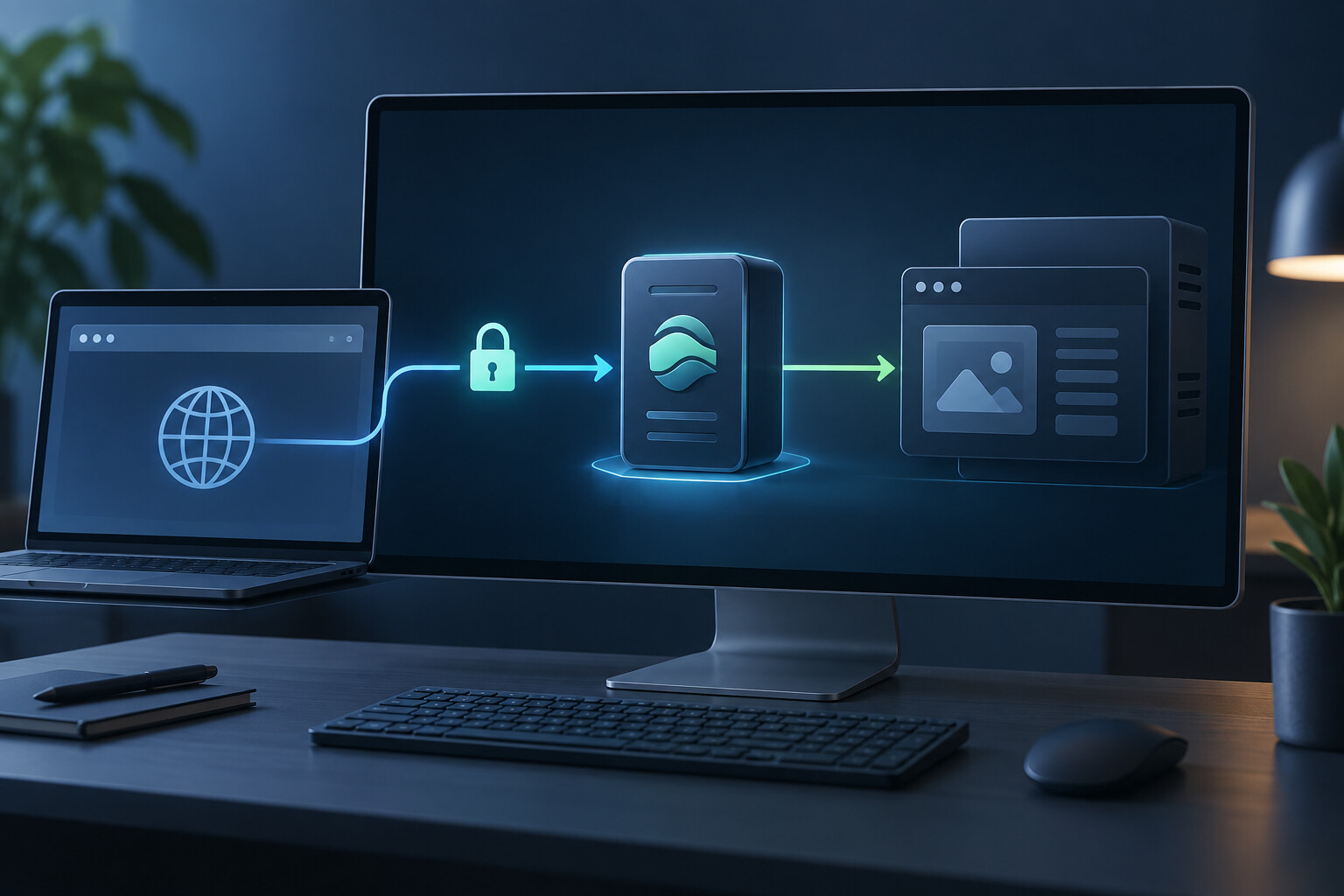
Install and run Caddy on Windows as a local HTTPS reverse proxy for an app on localhost:3000.
What is this setup for?
Caddy can provide HTTPS in front of a local app. It accepts requests at https://localhost and passes them to an app on localhost:3000.
Install Caddy
Download the Windows archive from the official Caddy download page, extract caddy.exe, and keep it with its configuration in C:\programs\Caddy. Add that folder to PATH if you want to run caddy from any terminal.
Open PowerShell as Administrator for the first setup. Administrator access is needed to install Caddy’s local HTTPS root certificate and may be needed if Windows blocks ports 80 or 443.
Create the Caddyfile
Create C:\programs\Caddy\caddyfile with this content:
localhost {
    reverse_proxy localhost:3000
}
Validate it before starting Caddy:
C:\programs\Caddy\caddy.exe validate --config C:\programs\Caddy\caddyfile --adapter caddyfileStart and trust local HTTPS
Run Caddy in the same elevated PowerShell window:
C:\programs\Caddy\caddy.exe run --config C:\programs\Caddy\caddyfile --adapter caddyfileOn the first run, Caddy creates a local certificate authority. If its trust prompt was missed or failed, stop Caddy and run:
C:\programs\Caddy\caddy.exe trustOpen https://localhost after restarting Caddy. Firefox may need the Caddy root certificate imported separately because it can use its own certificate store.
Run it after sign-in
For a development machine, create a Task Scheduler task that runs at sign-in with the same caddy.exe run command. Use a Windows service wrapper only when Caddy must start before anyone signs in; make sure that service account can read the Caddyfile and store its certificates.
Reload and test
C:\programs\Caddy\caddy.exe reload --config C:\programs\Caddy\caddyfile --adapter caddyfile
curl.exe -I http://localhost
curl.exe -I https://localhost
Caddy redirects HTTP to HTTPS for localhost. If another program already uses port 80 or 443, stop it or choose another address and port.
Use one shared setup for several domains
A named Caddy snippet keeps shared settings together. Each site imports it and supplies its own upstream port:
(common_proxy) {
    encode zstd gzip
    reverse_proxy localhost:{args[0]}
}

app.localhost {
    import common_proxy 3000
}

api.localhost {
    import common_proxy 4000
}
Names ending in .localhost use local HTTPS. A public domain needs DNS pointing at the Windows machine and reachable ports 80 and 443.
Related
See Caddy setup on macOS for the Homebrew equivalent, and Apache HTTPD reverse proxy notes for the general reverse-proxy idea.
Ai disclosure: written with the help of AI (ChatGPT). You are encouraged to point out errors and omissions.